

• Post Reply Bookmark Topic Watch Topic
  • New Topic
permaculture forums growies critters building homesteading energy monies kitchen purity ungarbage community wilderness fiber arts art permaculture artisans regional education skip experiences global resources cider press projects digital market permies.com pie forums private forums all forums
this forum made possible by our volunteer staff, including ...
master stewards:
  • Carla Burke
  • John F Dean
  • r ransom
  • Nancy Reading
  • Timothy Norton
  • Jay Angler
stewards:
  • paul wheaton
  • Pearl Sutton
  • Eric Hanson
master gardeners:
  • Christopher Weeks
  • M Ljin
gardeners:
  • thomas rubino
  • Megan Palmer
  • Benjamin Dinkel

Agroforestry design tool

 
Posts: 3
  • Likes 1
  • Mark post as helpful
  • send pies
    Number of slices to send:
    Optional 'thank-you' note:
  • Quote
  • Report post to moderator
Hi All,

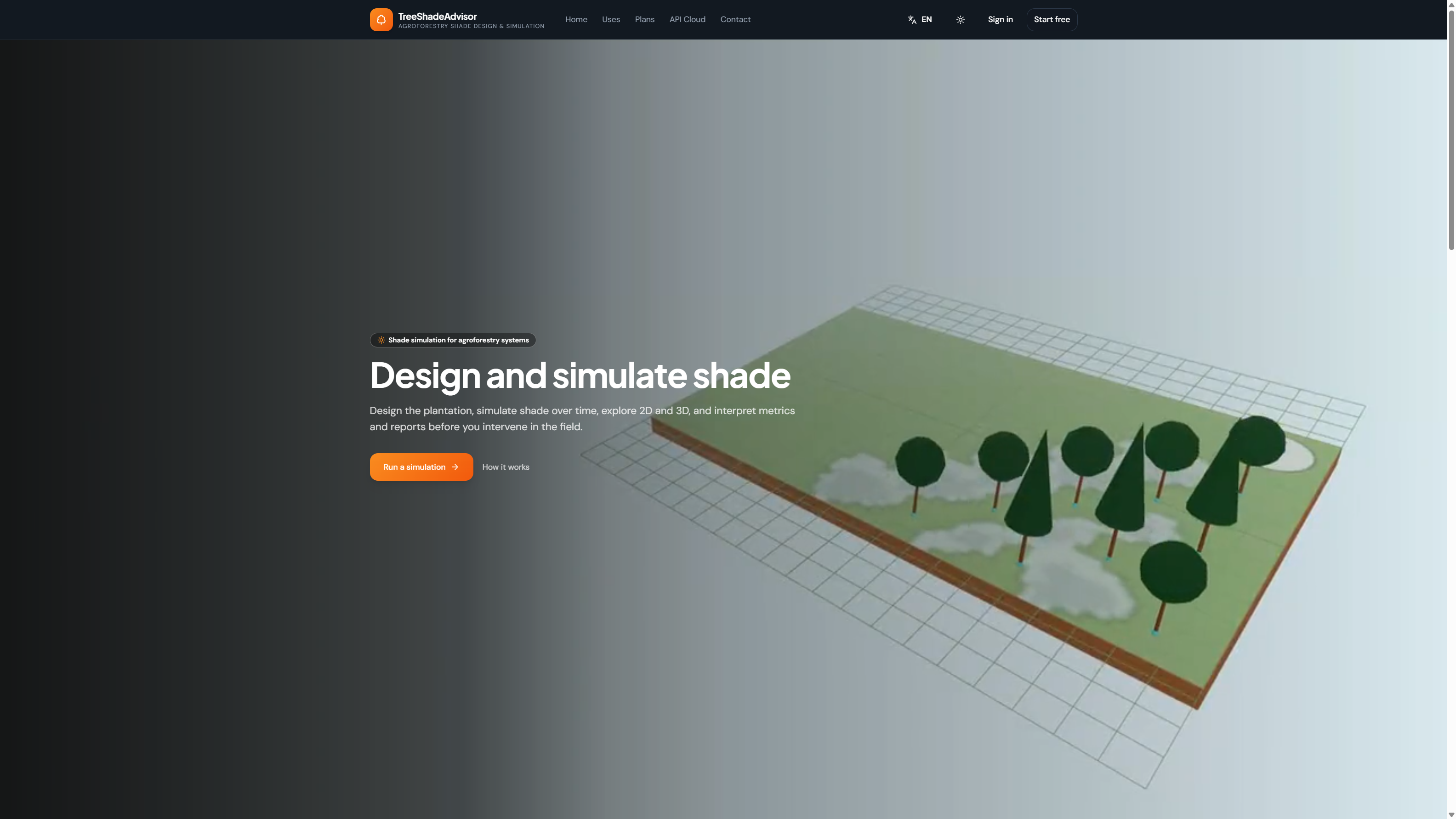
for the last couple of years I have been building an onlin app to design and manage agroforestry systems. The tool enables you to add plants to the map of your property and manage them so you know when they are planted, what yield they gave last year or when their expected harvest is for that cultivar. The tool is free to use for now so please let me know what you think, I would love some feedback! Here is a link to it.

Here are some screenshots:


gardener
Posts: 1701
Location: Proebstel, Washington, USDA Zone 6B
1086
3
wheelbarrows and trailers kids trees earthworks woodworking
  • Likes 2
  • Mark post as helpful
  • send pies
    Number of slices to send:
    Optional 'thank-you' note:
  • Quote
  • Report post to moderator
Hey Brian, I can see the use of something like this. Especially for a U-Pick situation where it could point people to the fruits that are in season. If a customer were to come to a farm in August, it could guide them to the Transparent Apples and the blackberries. In June, it could guide them to strawberries. Or something like that.

Right now it seems to let me add plants in a straight line that runs north. It doesn't want to let me move east or west of that line. I see that there is a toggle for "select precision." If I have it set to the plain empty circle it lets me place plants where ever I want. But if I set it to the two circles with a line between them it wants to snap to a vertical line.

Is there a way to delete a plant if I placed some extra ones?

This looks like a cool tool.
 
Jeremy VanGelder
gardener
Posts: 1701
Location: Proebstel, Washington, USDA Zone 6B
1086
3
wheelbarrows and trailers kids trees earthworks woodworking
  • Likes 3
  • Mark post as helpful
  • send pies
    Number of slices to send:
    Optional 'thank-you' note:
  • Quote
  • Report post to moderator

Jeremy VanGelder wrote:
Is there a way to delete a plant if I placed some extra ones?


There is! If I select the plant, then choose the button on the bottom left of the popup to "View information about the plant" it takes me to a page where I can delete that plant.
 
Brian Barbieri
Posts: 3
  • Likes 2
  • Mark post as helpful
  • send pies
    Number of slices to send:
    Optional 'thank-you' note:
  • Quote
  • Report post to moderator
Thank you for the message Jeremy! Exactly, while helping out on other polyculture farms I found out that it was for some people hard to grasp what grows where. When you are on the map view you can click on the share button to share your map with other who may not have an account.

Exactly that is one way to plant a line of trees, another way is drawing them in the line designer first, in this way if you have a long line of just 3 species, you can draw the first 10 meters for example and let the line drawer draw out the rest for you on the map.

On the edit view there is also a small thrashbin button on the map, you can use that one as well to delete a plant.

If you need any help settings things up feel welcome to ask me to show you around the app. I would love to do that in exchange for some feedback. I also set up this tutorial page if you want to know more about the line design tool for example: https://www.protura.nl/tutorials.
 
I agree. Here's the link: http://stoves2.com
reply
    Bookmark Topic Watch Topic
  • New Topic