
|

|

|

|
.png)
|

|
|
|
|
|
|
|
|

|

|

|

|

|
 2
2


Eric Hanson wrote:Allen,
Very nice, clean build! I love it. And these are 314 amp-hour cells--correct?
Assuming 12v cells, this should give close to 3800 watt-hours of energy available. And probably that figure is a bit conservative.
Very nice.
And how/what did you do to get those modified battery terminals? I assume that they did not come like that.
Eric


 2
2
John Weiland wrote:I may have missed it....are you guys top-balancing your cells before assembly? I've been able to connect the ring-terminals to the BMS balancing wires and will test with a multimeter today to see that all hook-ups to the cell terminals were properly made. But my cells are still at the factory-shipped 3.2V and it sounds best to try to get them to 3.4-3.6V before getting all set up with the BMS connection, correct? If you are top-balancing, are you using what appears to be a standard 0-30V benchtop power supply? If so and can recommend a reliable brand as there seems to be many offerings out there. Starting to collect photos as well now so will try to document things here soon....Thanks!
2
Allen Jackson wrote:.........
If your BMS has the feature of active balancing, just assemble the battery, and let it do the heavy lifting. I did buy an extra 5 amp active balancer, back when I was considering keeping the anemic 40 amp BMS, but I want to see how well the 2 amp balancer in this 300 amp BMS works first. (One can safely use more than one balancer at a time on the same battery).
“The most important decision we make is whether we believe we live in a friendly or hostile universe.”― Albert Einstein


 5
5
Some places need to be wild
5
Some places need to be wild
4
![[Thumbnail for TopConnections.jpg]](/t/274663/a/288331/TopConnections.jpg "Filename: TopConnections.jpg
Description:")
![[Thumbnail for PortConnections.jpg]](/t/274663/a/288332/PortConnections.jpg "Filename: PortConnections.jpg
Description:")
“The most important decision we make is whether we believe we live in a friendly or hostile universe.”― Albert Einstein
5
 4
4
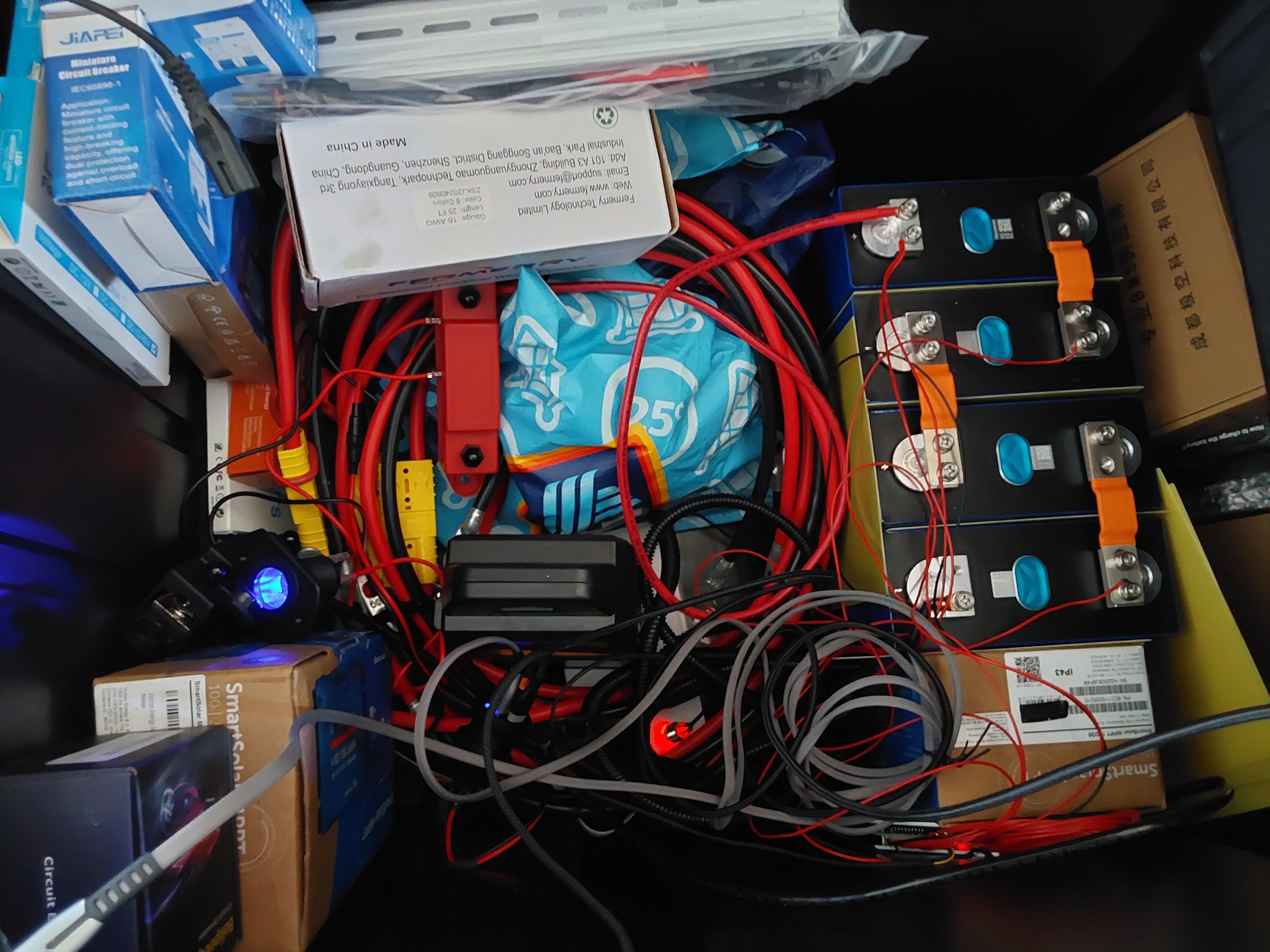
John Weiland wrote:Yes, my JK BMS did come with active balancing and I made sure of that based on comments from various corners about the importance of keeping cells balanced. So this is good news from your observations, Allen, ..... thanks for including that information. I have a Victron 12V charger with a Li-Ion setting (Model Blue Smart 12/15) that I hope to use for the charging and will use the JK app that I downloaded for cell monitoring. It seems to make sense to me, although I may be missing something, that even if the most charged cell triggers BMS shut-off, by letting the system 'rest', the balancer would still function to balance the cells, bringing that highest cell back down through equalization and thereby creating a state where continued charging could (re)-commence, yes? Or would the BMS need to be 'reset' for this balancer to do its thing? Note--the BMS did come with an on/off switch--Is this what is used to reset or restart the BMS? Apologies again for the complete noob questions here but really hoping these discussions can help other noobs including myself.
As an aside and related to balancing between full battery builds, I'm still on the fence about using 4 X 12V LiFePO4 batteries (series connected) verses 2X 48V (parallel connected) for modifying my farmyard golf cart. I like the weight and versatility of 12V batteries, but the simplicity push for 48V batteries in this usage is very evident when shopping around. Where this is relevant to the present discussion is in the need for a battery balancer to exist in the case of series-connected 12V batteries to ensure one or more is not falling behind with repeated charge/discharge cycles.
This conversation continues to be very helpful, inspiring, and cause for reflection. Our house, built in 1915, was reportedly equipped with large (Edison?) batteries in the basement before rural electrification came along. There's a part of me, if socio-economic factors push in that direction, that would like to see this old farmstead once again be off the water and electrical grid. Hoping our well-pump won't need changing again before we need to leave (old age) and would like to get something in place soon as doing it when much older may prove difficult.
4
John Weiland wrote:First hurdle encountered: Can't get iPhone to recognize the BMS through the App. The phone is an iPhone 12 and the BMS app downloaded through the Apple App Store. A scan of the QR code on the BMS itself gets me to a site half and half for English and Chinese, but I could not tell which icon to press for downloading the iPhone app. So at this point, I have the app from the Apple Store on my phone. The BMS appears to be powering fine--I plugged the on/off switch into a recommended port and the BMS blinked and beeped on immediately. Unfortunately, it also went into red blinking LED mode, apparently indicating failure to find bluetooth signal. My phone readily recognizes all other solar/battery devices on the property via bluetooth apps and is running iOS 26.3.1. When I try to open the app, I just see a bluetooth insignia with an 'X' indicating no connection. Would the app store app be out of date somehow? Better to get it from the QR code link? Thanks....
Hardware connections shown below. Based on the nice builds previously documented in this thread, I've clearly LOWERED the bar on the aesthetics.... lol. But was glad to see all functioning. I did not know if the larger black (-) cable needed to be attached to the B(-) terminal of the BMS in order for it to turn on properly, so made sure that was connected (4 gauge wire). Balancing wire plug and on/off switch seemed easy enough to figure out as was the temperature sensors. The device powered on as noted, but I'm stalled at where it's looking for the phone app. Any insights here appreciated.d... Thanks!
4
“The most important decision we make is whether we believe we live in a friendly or hostile universe.”― Albert Einstein
4
5
John Weiland wrote:I'm in!!...It was an iPhone burp at this point. Had to get to the place in general settings waaayyyyy down on the list where Apps can be interrogated for particulars. For some reason "access by Bluetooth" was disabled....and easily activated. JK BMS app connected with no problems after that. A new issue has emerged, however, that may solve itself after a hard re-boot. (aka...dinner time!) As Allen noted, the BMS has its knickers in a twist over the fact that it is built for 8 cells and only seeing 4 of them. In order to make modifications, it wants a password...and the default password provided was not granting access. So I changed the password, but still no joy. The error message is something along the lines of password being incorrect for access of that alteration panel. I can still see the main home screen where it is showing the cell voltage and other data, but I'm locked out of modifications until I can resolve the password issue. Oh well....it's the journey, not the destination, right?
Will update again soon....
5
4
Allen Jackson wrote:
The Bluetooth pairing password is 1234, but the default system password is 123456.
“The most important decision we make is whether we believe we live in a friendly or hostile universe.”― Albert Einstein
5
“The most important decision we make is whether we believe we live in a friendly or hostile universe.”― Albert Einstein
5
![[Thumbnail for ChargingSetup.jpg]](/t/274663/a/288450/ChargingSetup.jpg "Filename: ChargingSetup.jpg
Description:")
![[Thumbnail for Screenshot1.jpg]](/t/274663/a/288451/Screenshot1.jpg "Filename: Screenshot1.jpg
Description:")
![[Thumbnail for Screenshot2.jpg]](/t/274663/a/288452/Screenshot2.jpg "Filename: Screenshot2.jpg
Description:")
“The most important decision we make is whether we believe we live in a friendly or hostile universe.”― Albert Einstein
5
“The most important decision we make is whether we believe we live in a friendly or hostile universe.”― Albert Einstein
5
5
4
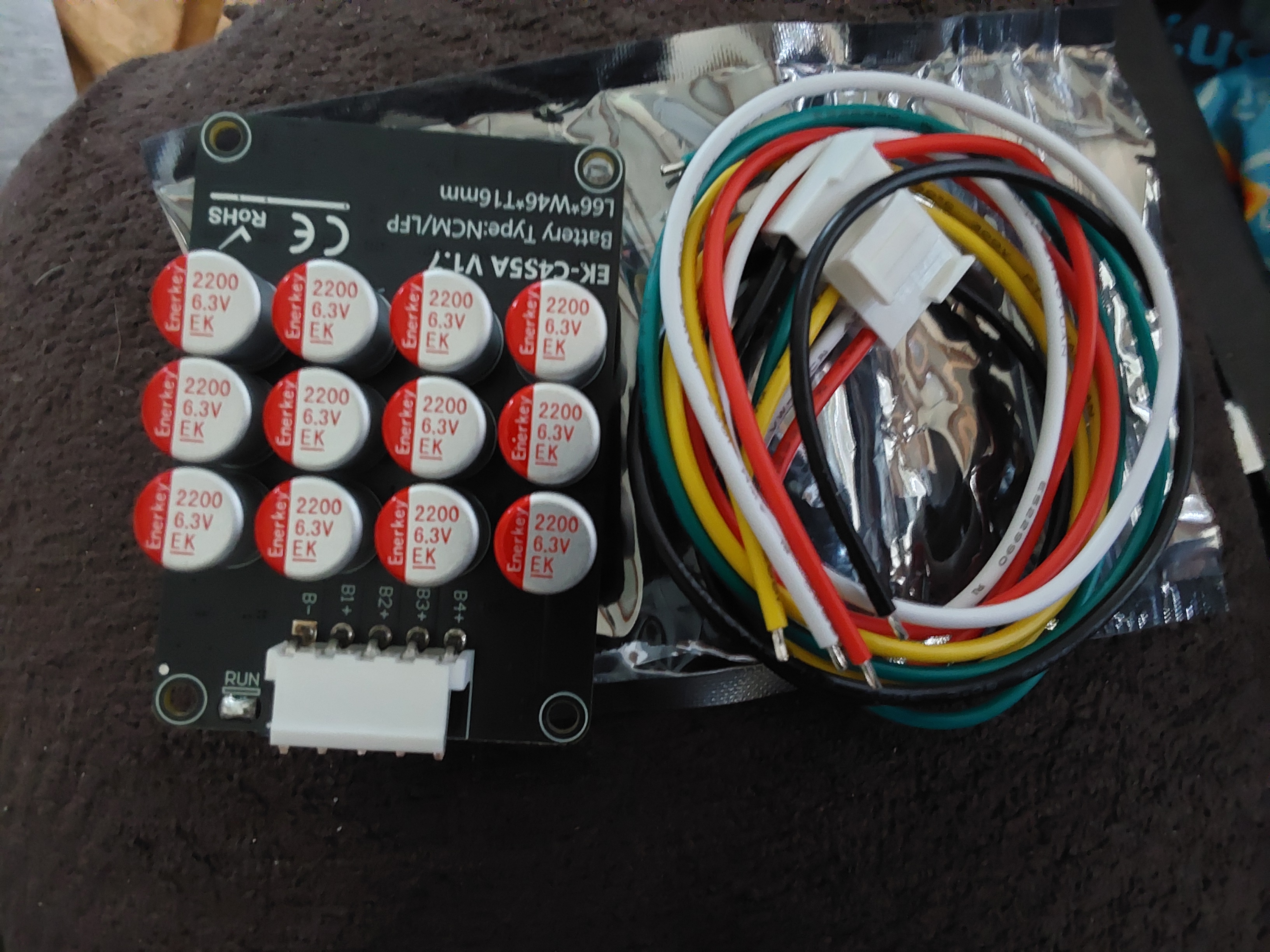
Allen Jackson wrote:On the topic of the measured voltage when the balancer is off - is the balancer actually off, or did it just shut off charging?
On a related note, if anyone installs any additional balances to their systems, MAKE SURE to also install a switch on them to disable the balancer during any long-term storage, or they'll probably kill the entire battery - use them when you need to, and then turn them off!
“The most important decision we make is whether we believe we live in a friendly or hostile universe.”― Albert Einstein
5
 4
5
5
4
5
5
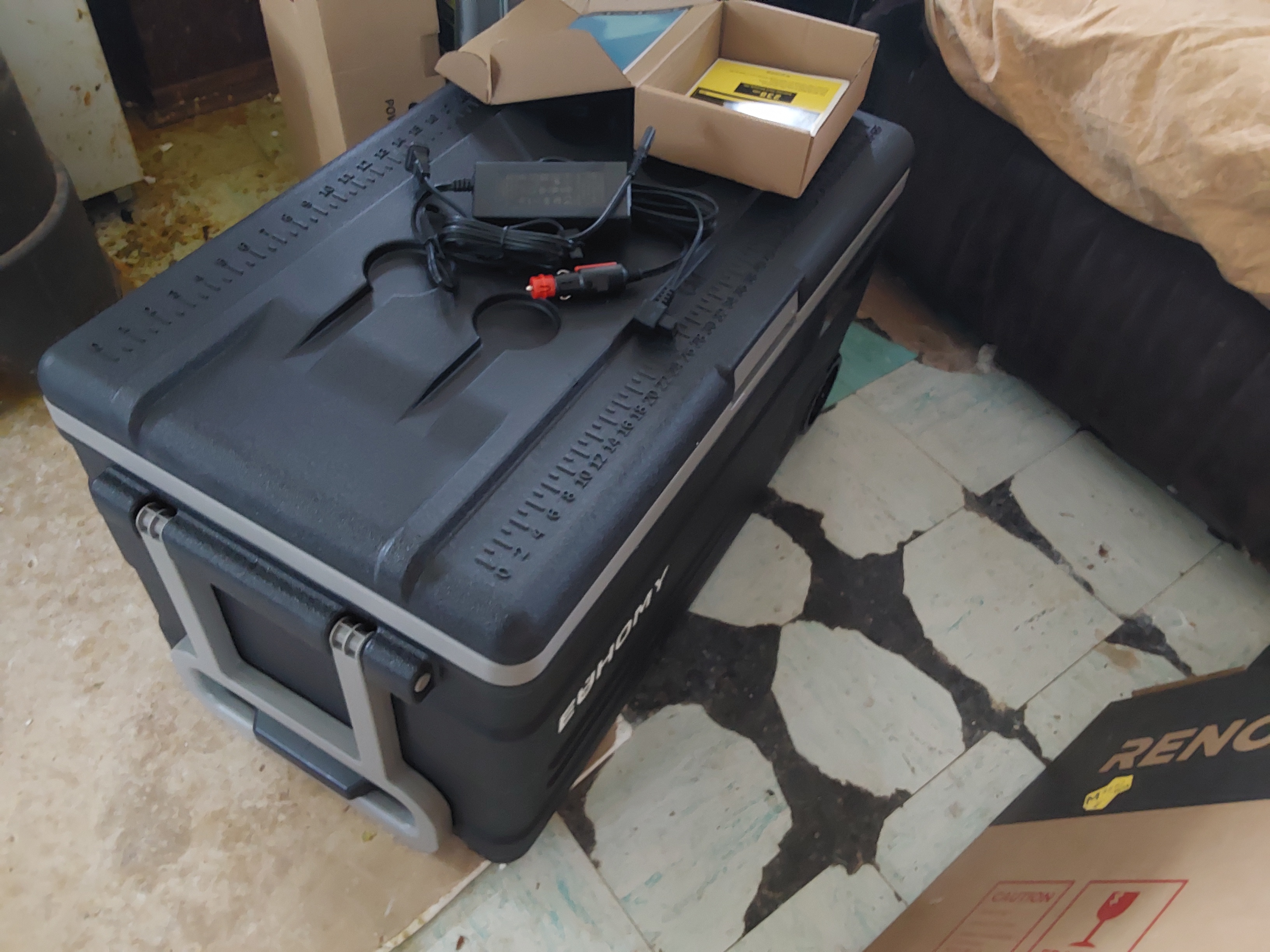
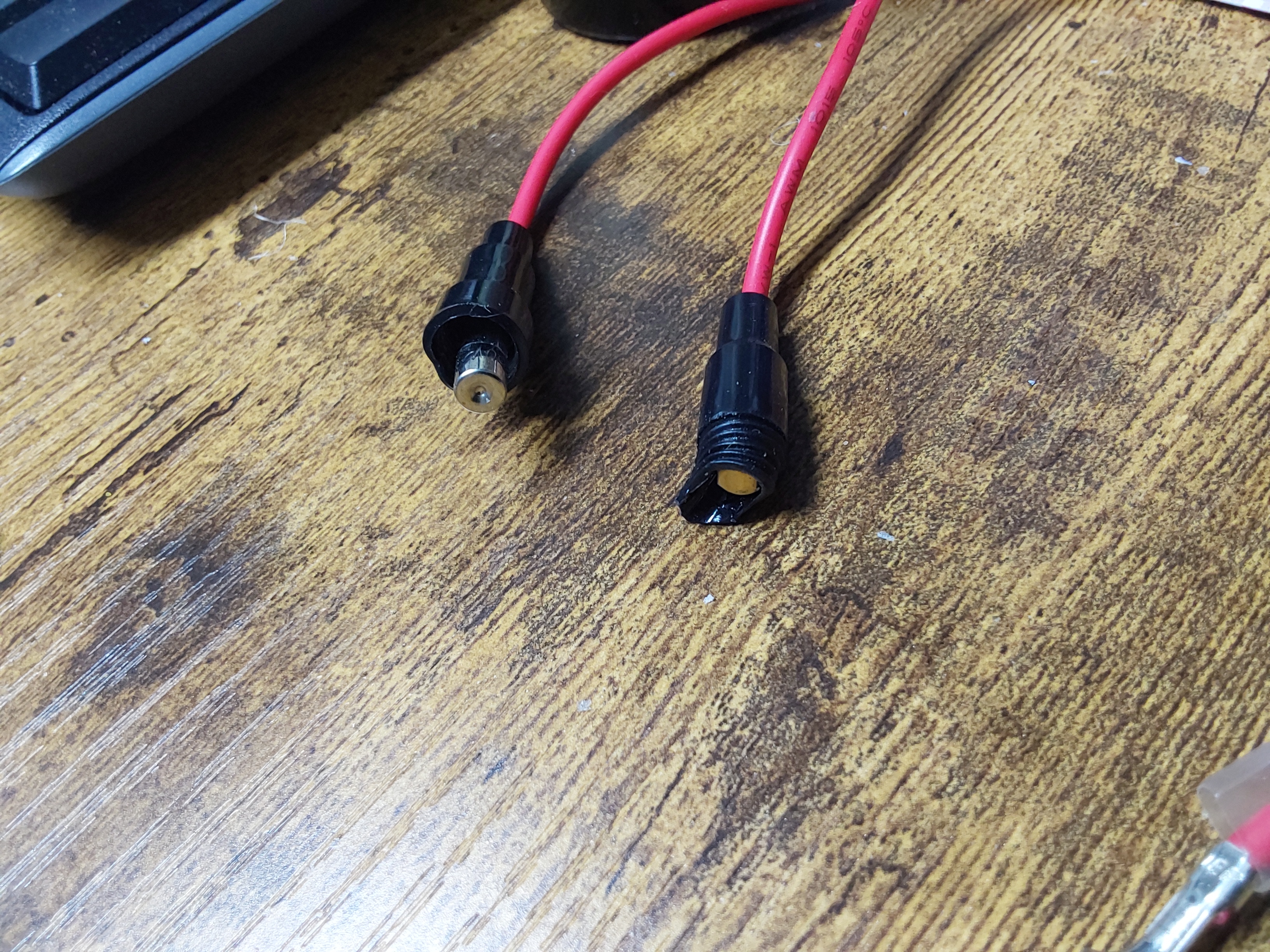
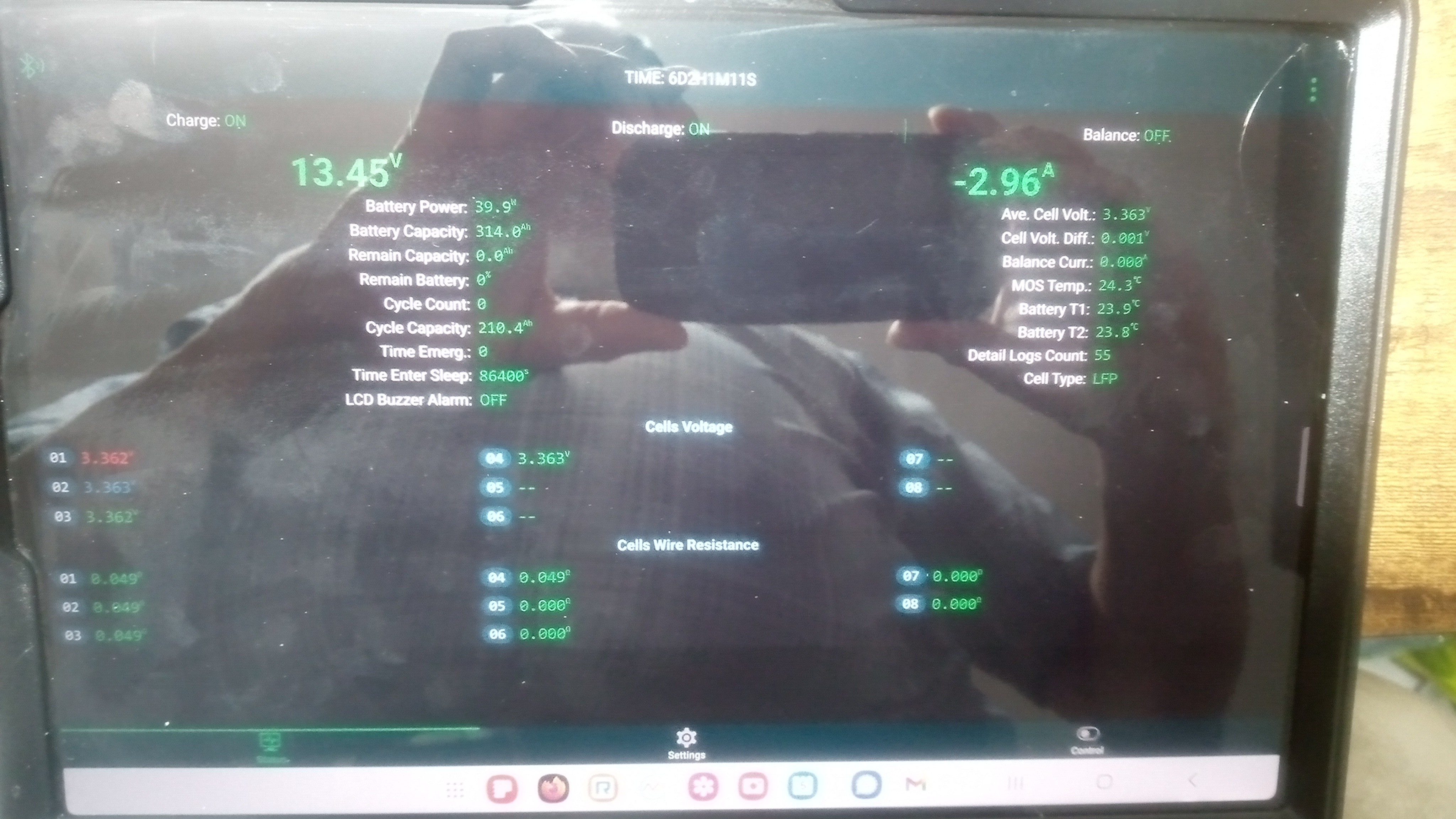 4
4
Allen Jackson wrote:
A minor annoyance about the JK BMS - it doesn't display charging current at all... I knew it was charging because I saw the cell voltage rising, but until there was an active load, the displayed current was "0" ☹️
“The most important decision we make is whether we believe we live in a friendly or hostile universe.”― Albert Einstein
4
4
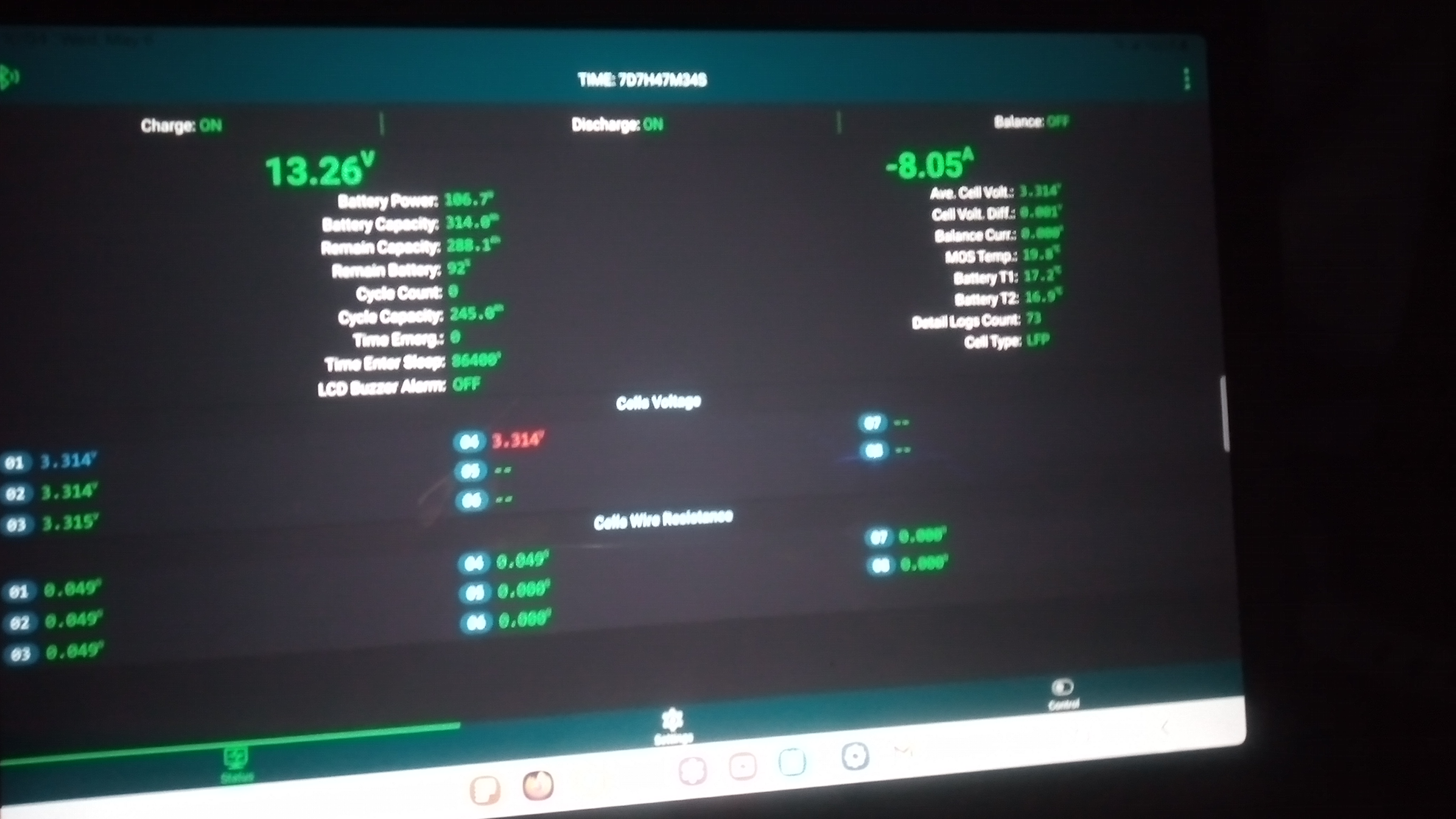 5
5
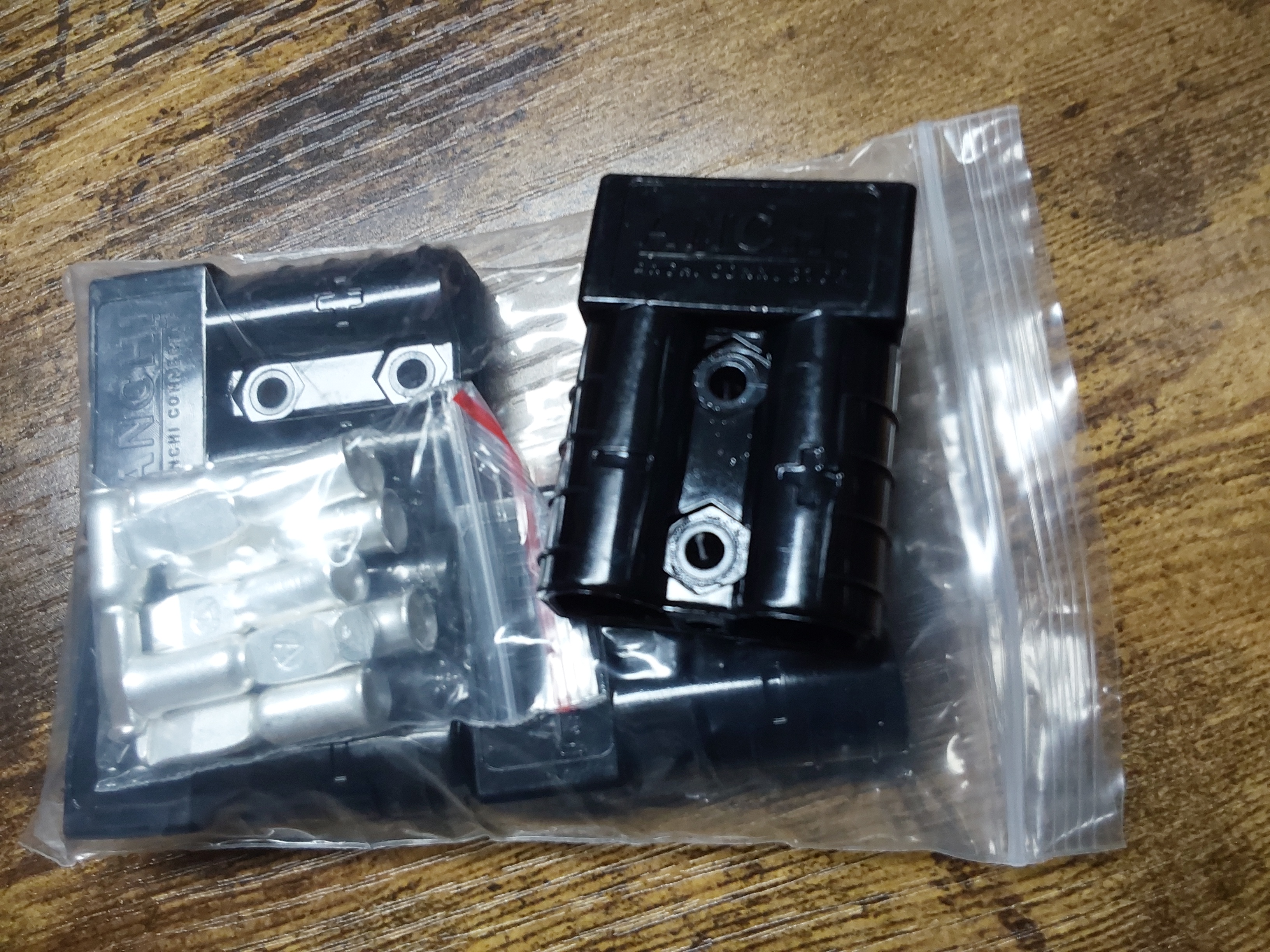
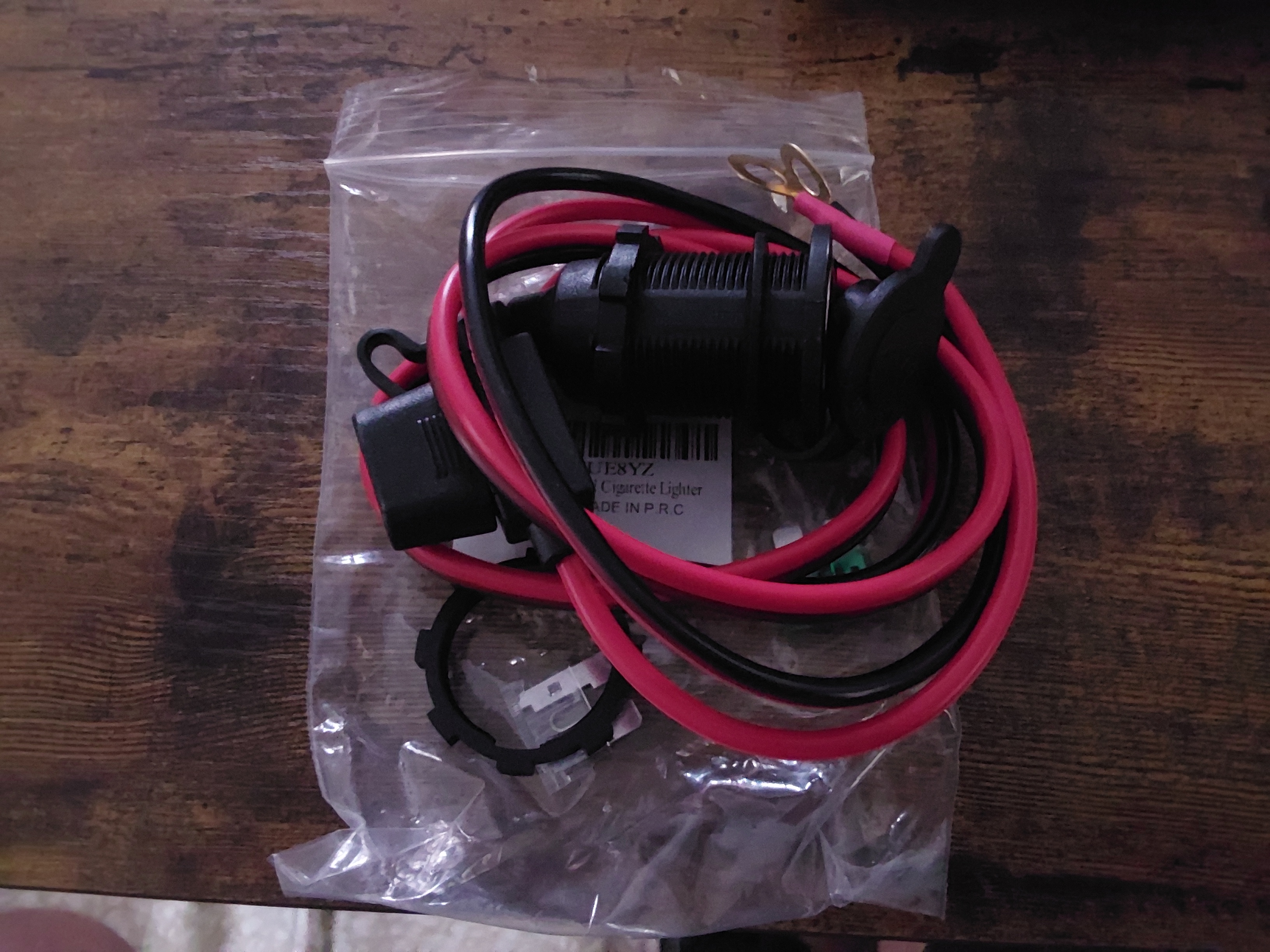 5
5
![[Thumbnail for InBoxLayout.jpg]](/t/274663/a/288897/InBoxLayout.jpg "Filename: InBoxLayout.jpg
Description:")
“The most important decision we make is whether we believe we live in a friendly or hostile universe.”― Albert Einstein
6
Some places need to be wild
5
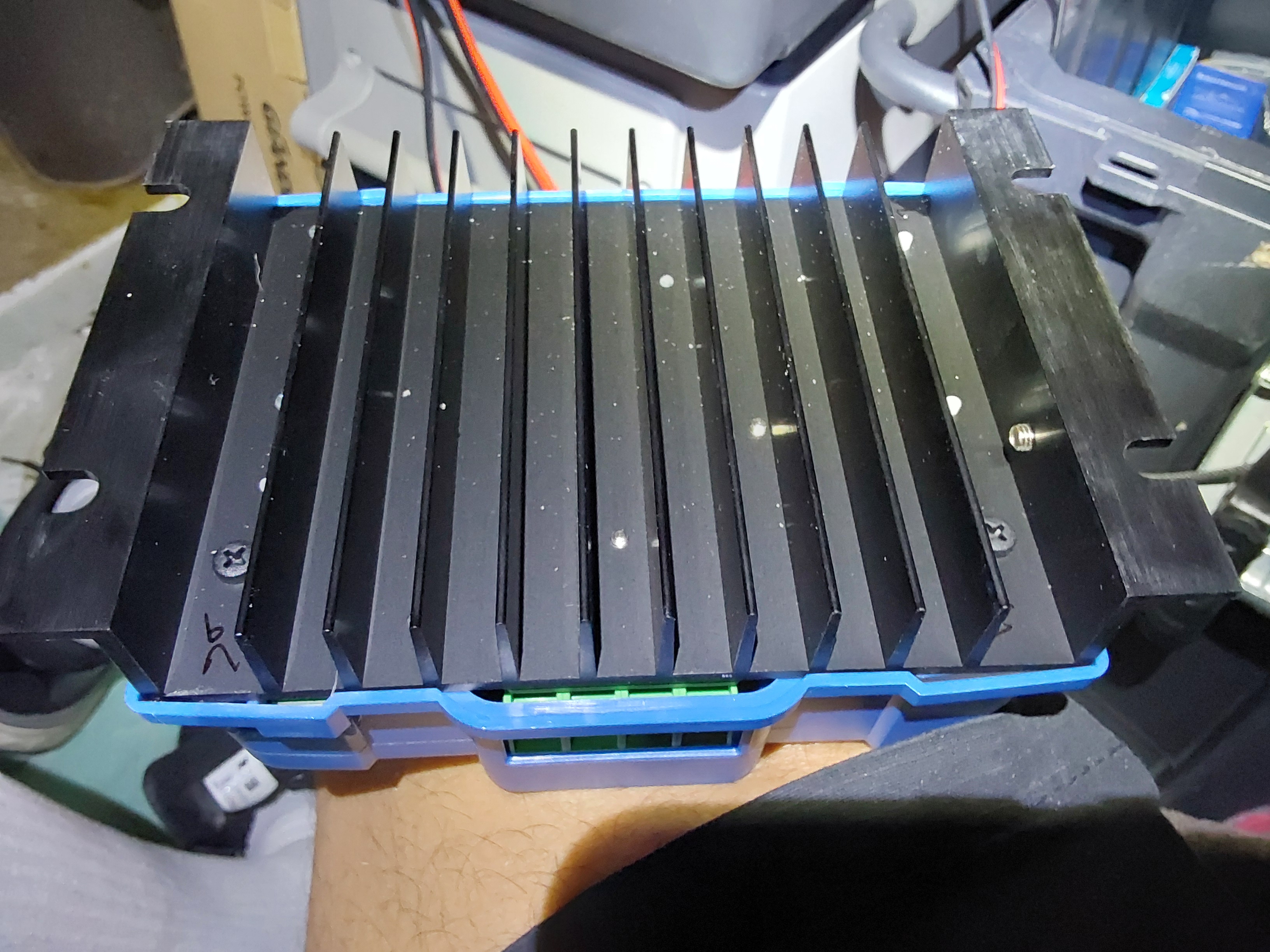
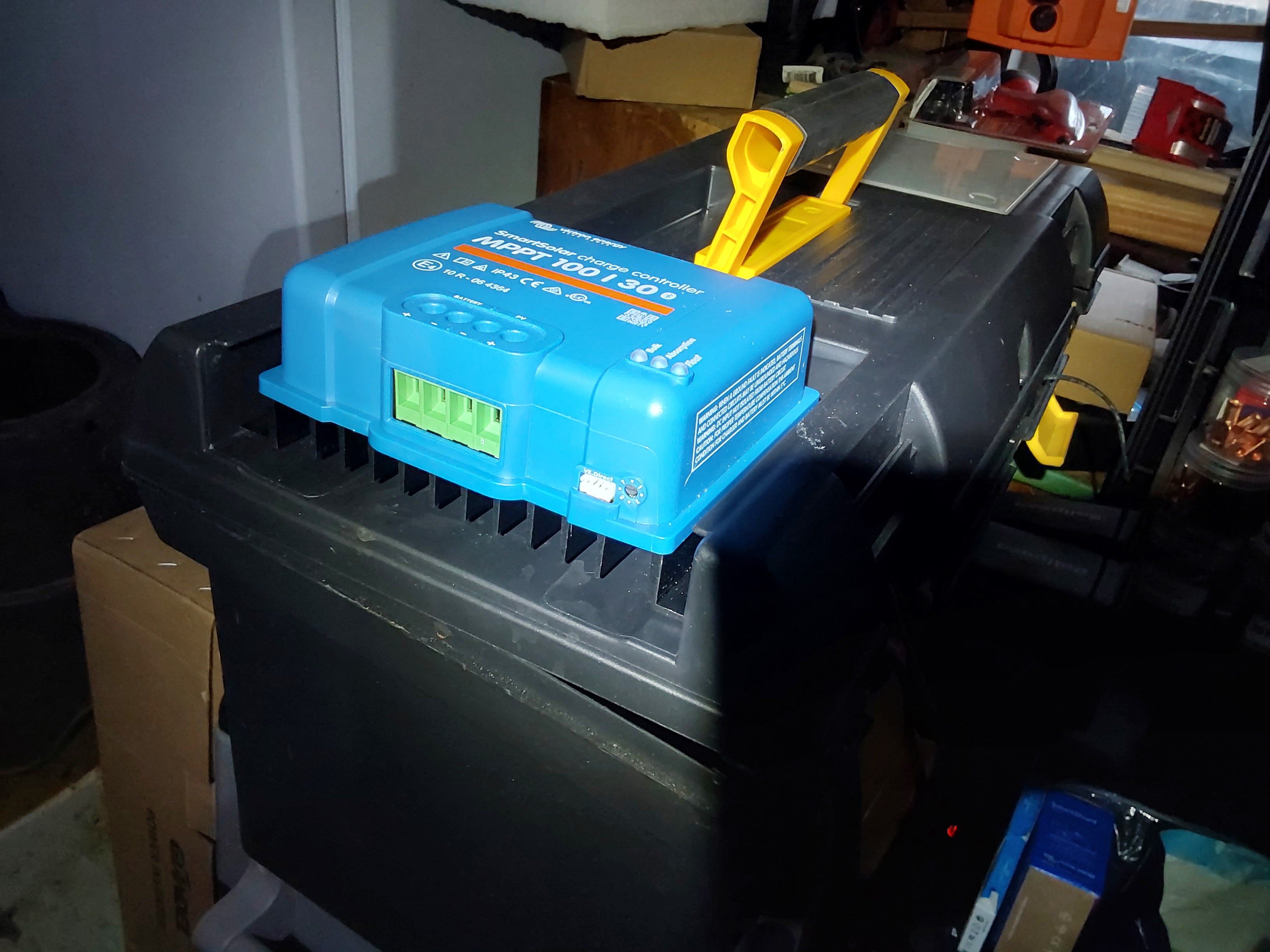
 4
4
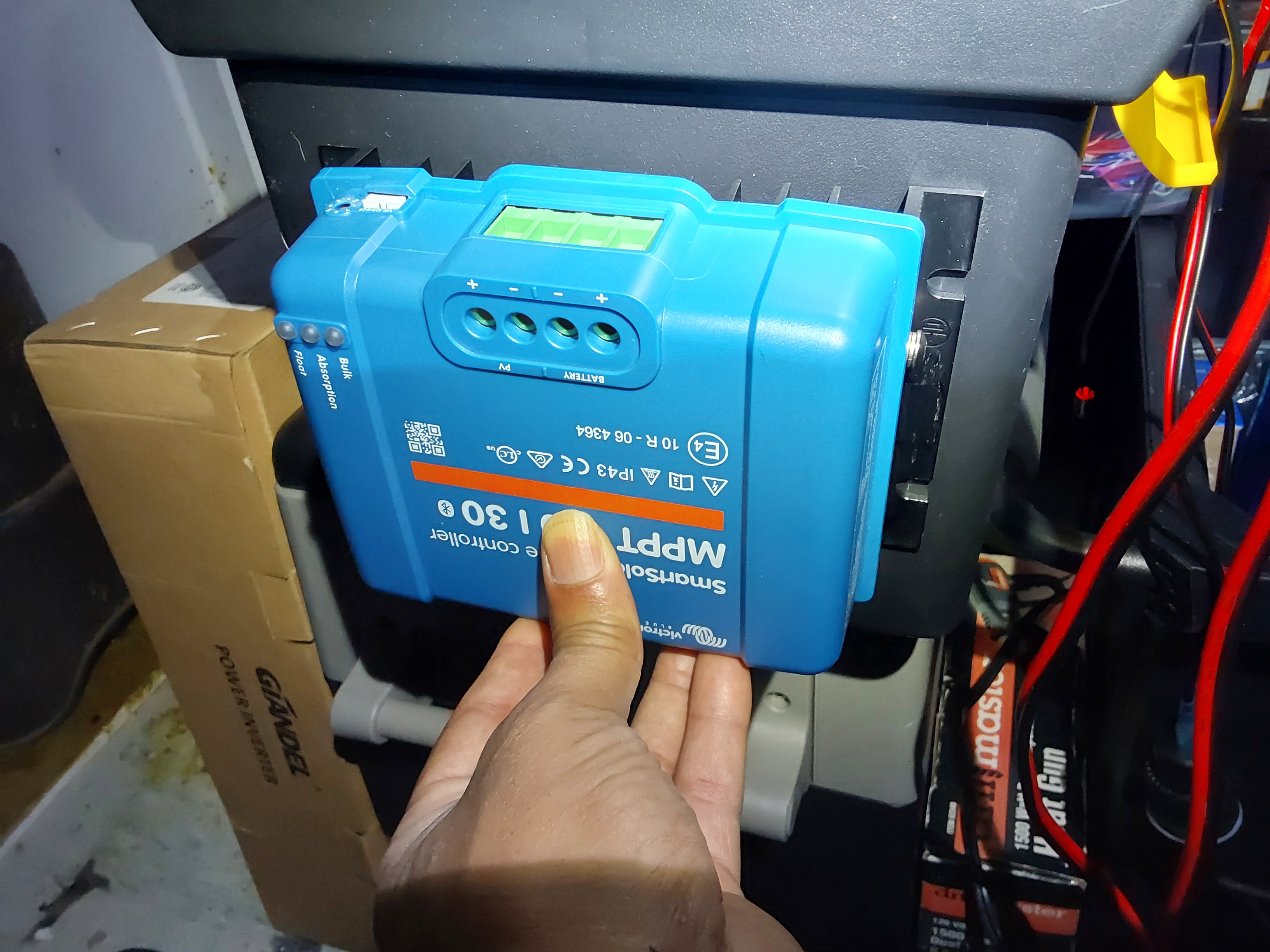
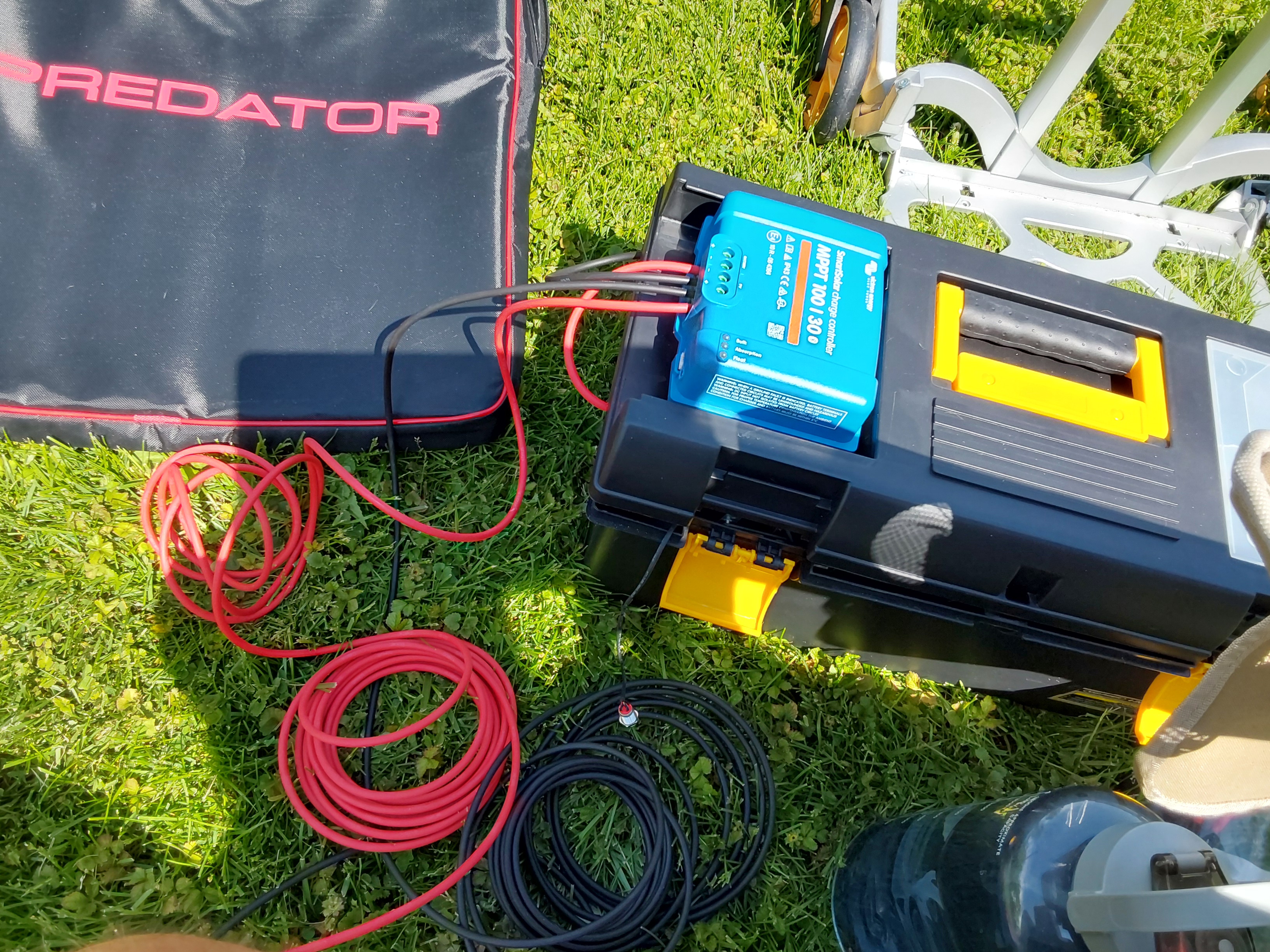
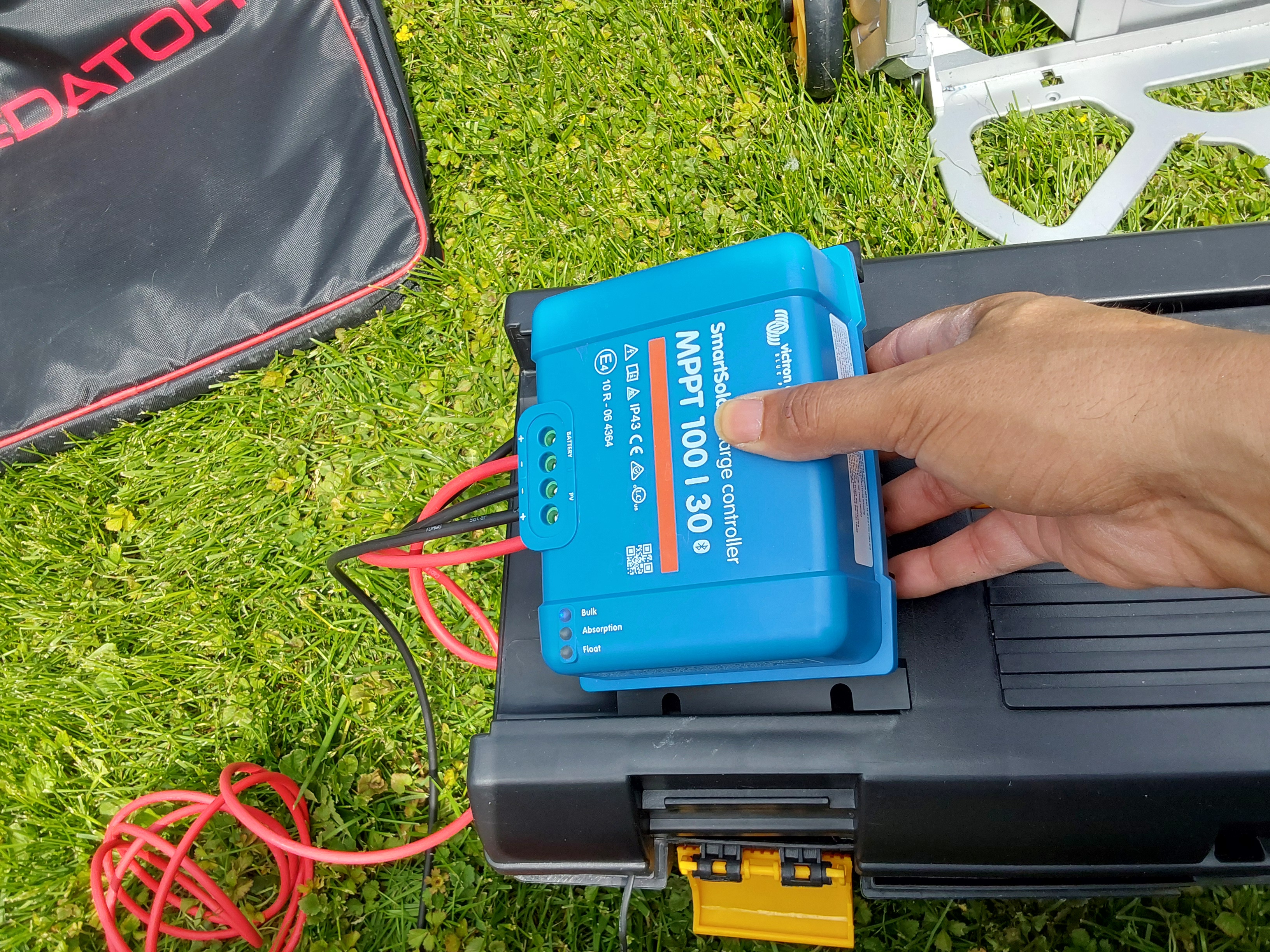
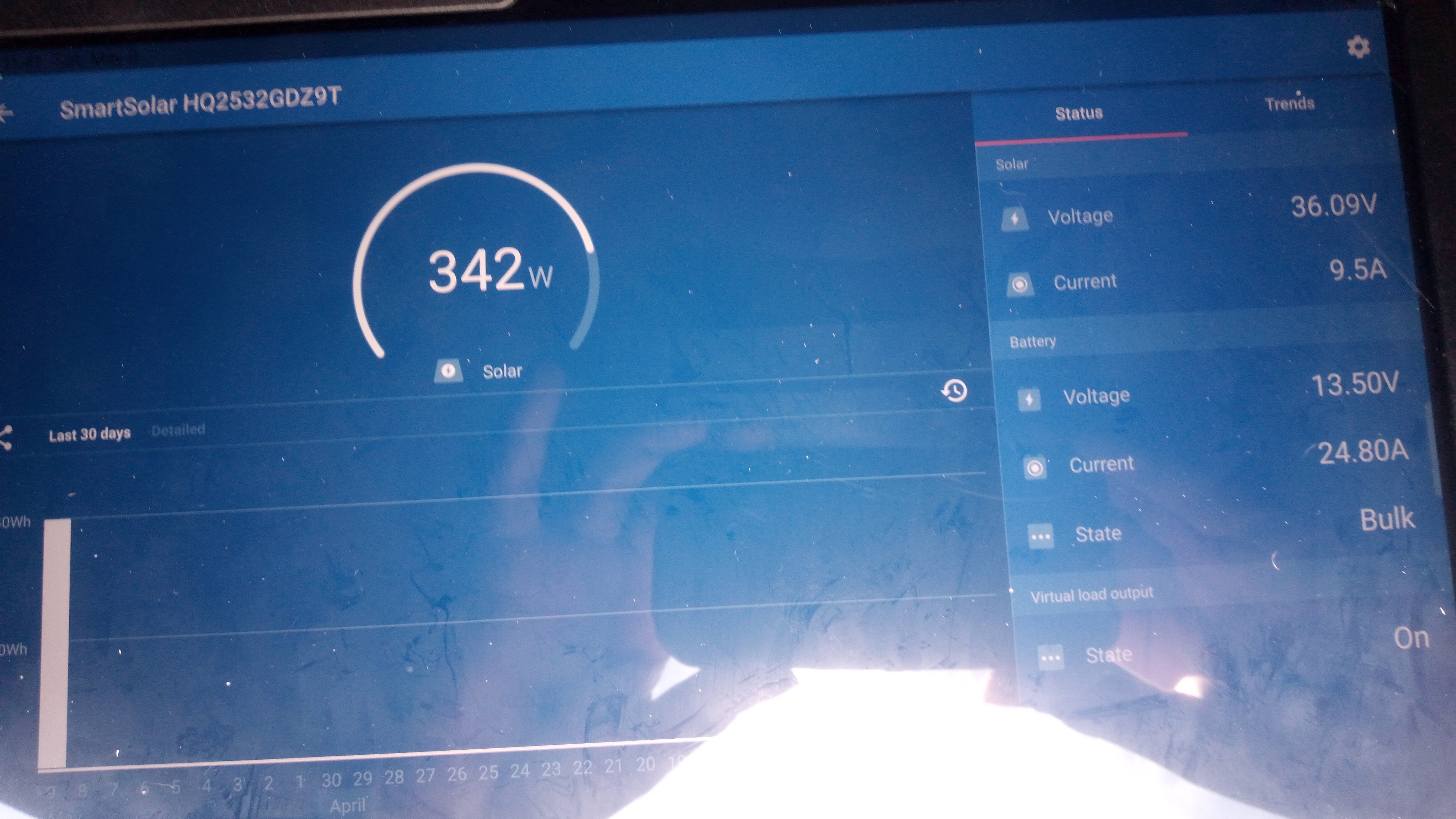
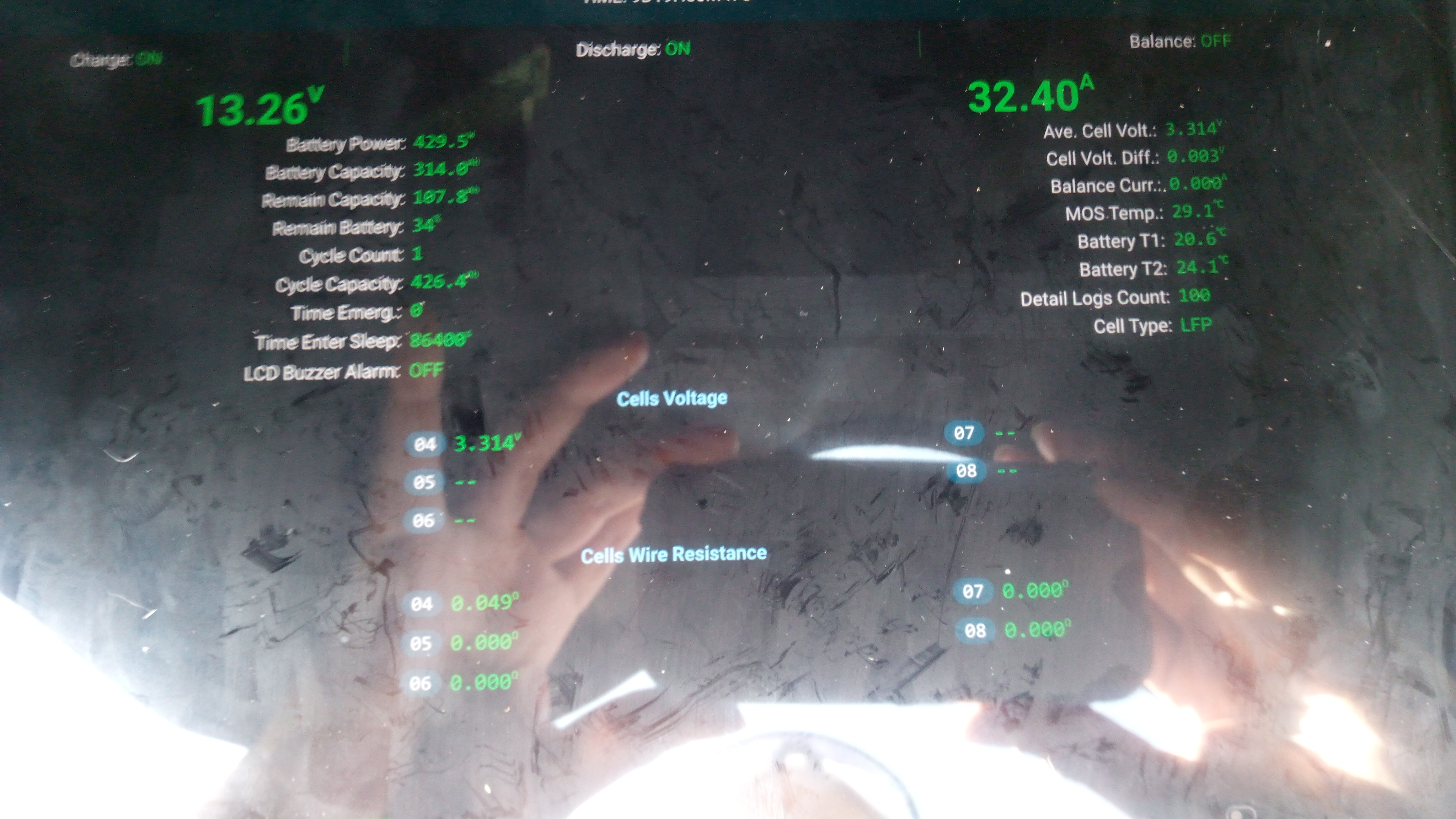
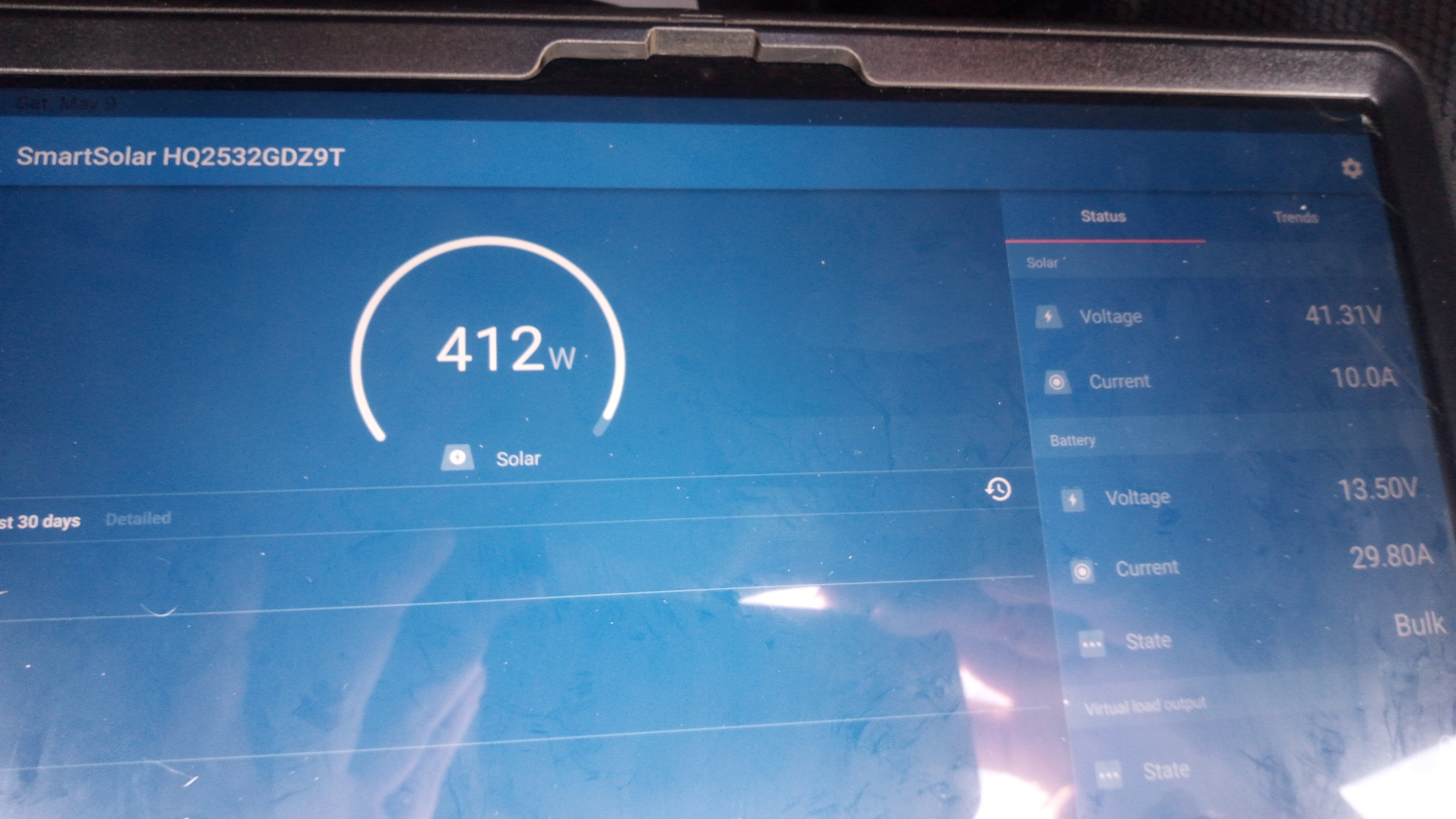
Allen Jackson wrote:......Since the placement on the end is also where I was hoping to be able to install the solar input connectors and AC charger connectors, I have to know if that spot is available or if it will be best served holding the charge controller... Can't tell if the charge controller gets hot during use without good sunlight to heat it up...
“The most important decision we make is whether we believe we live in a friendly or hostile universe.”― Albert Einstein
5
4
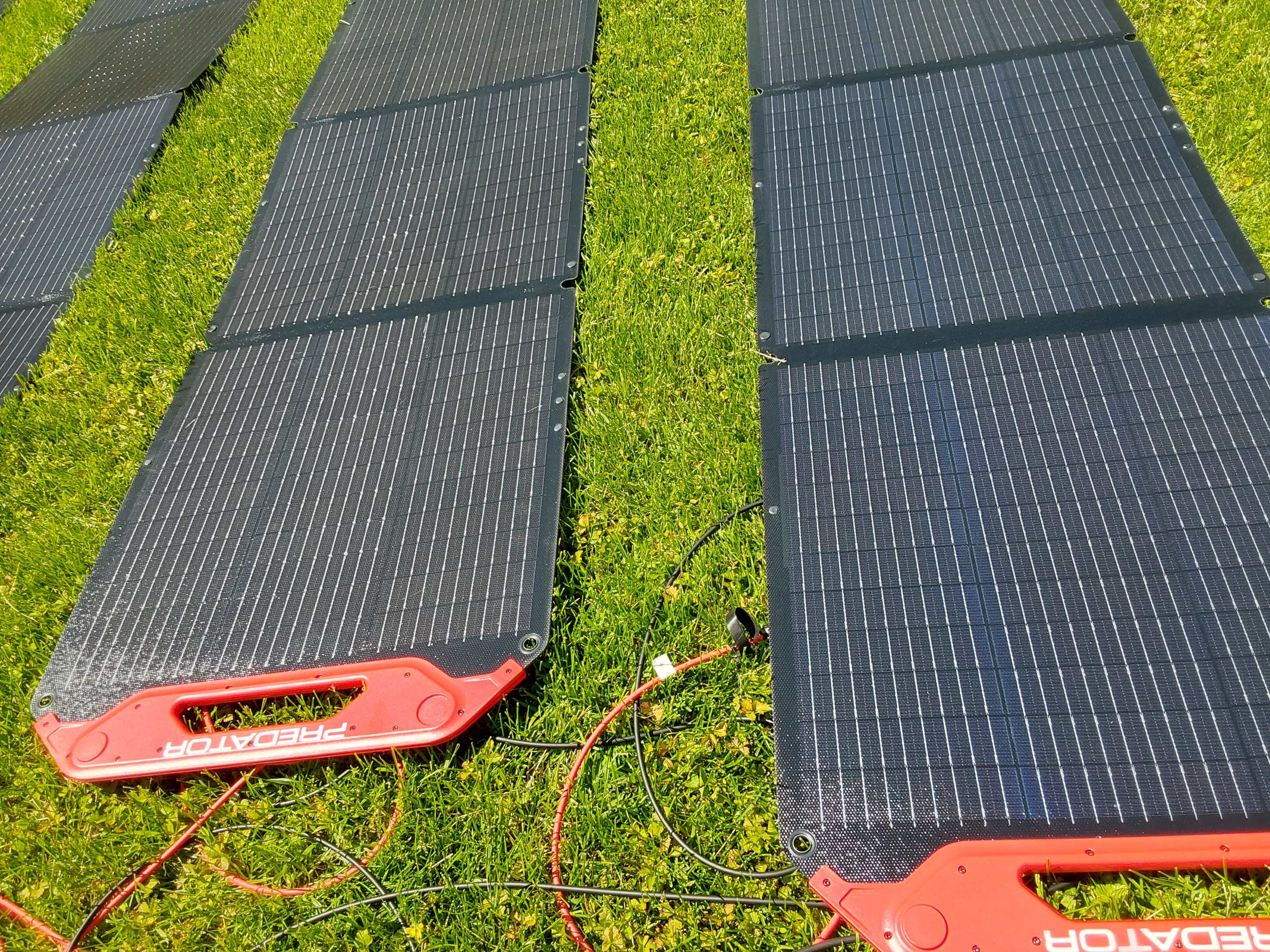
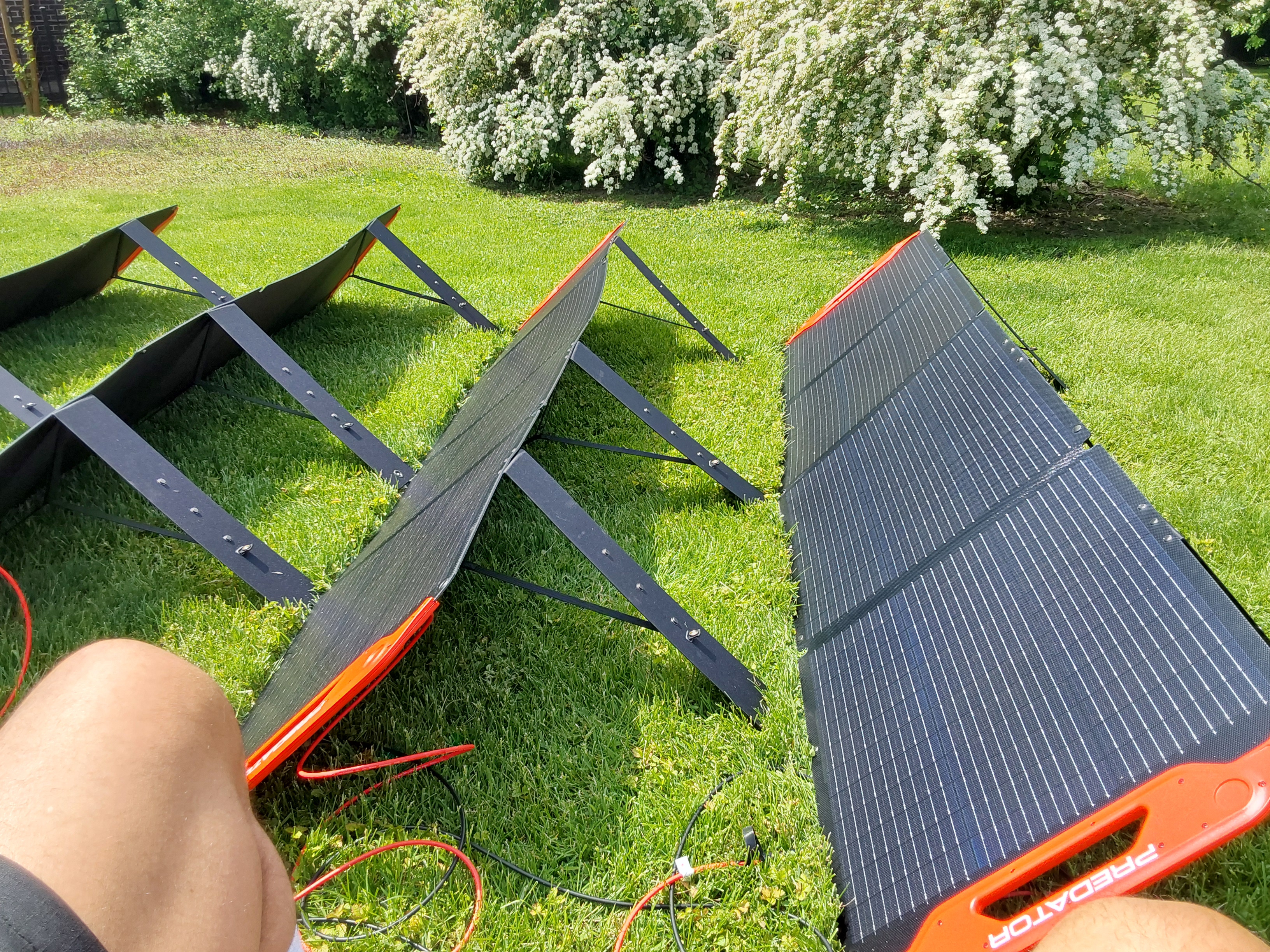
John Weiland wrote:Are both ends of the box slated for connectors and/or outlets? If you were to use the lid, then perhaps on hotter days you could prop the lid open in a way to allow the controller to orient vertically and promote the air upward siphoning effect to aid in cooling. I can't recall....are the PV panels fixed in their location or something that you desire to be mobile? Looks like it will be nice unit when completed!
![[Thumbnail for 1000011166.jpg]](/t/274663/a/288929/1000011166.jpg "Filename: 1000011166.jpg
Description:")
![[Thumbnail for 1000011167.jpg]](/t/274663/a/288930/1000011167.jpg "Filename: 1000011167.jpg
Description:")
![[Thumbnail for 1000011169.jpg]](/t/274663/a/288931/1000011169.jpg "Filename: 1000011169.jpg
Description:")
![[Thumbnail for 1000011168.jpg]](/t/274663/a/288932/1000011168.jpg "Filename: 1000011168.jpg
Description:") 5
5
![[Thumbnail for 1000011379.jpg]](/t/274663/a/288933/1000011379.jpg "Filename: 1000011379.jpg
Description:") 3
3
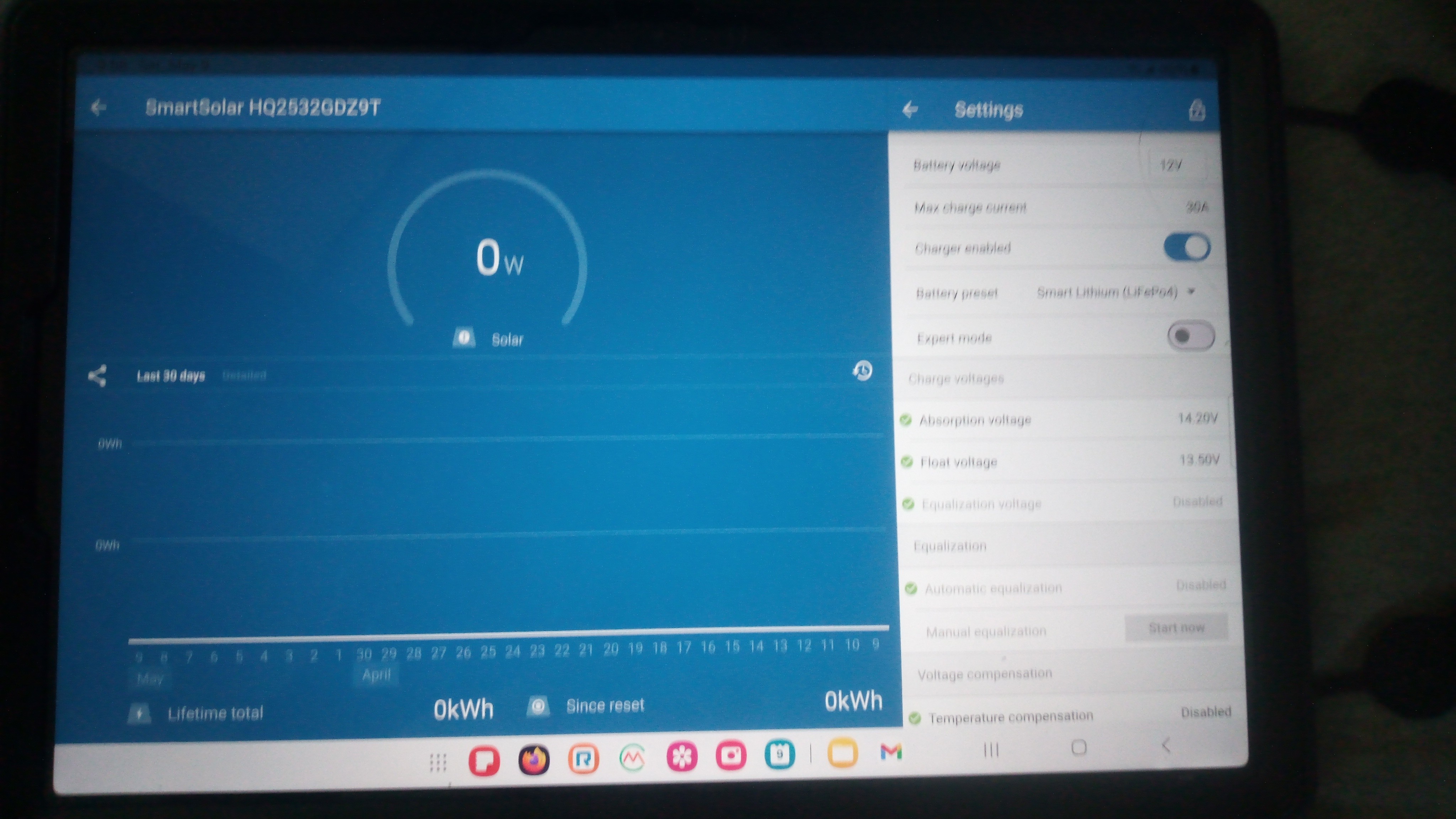
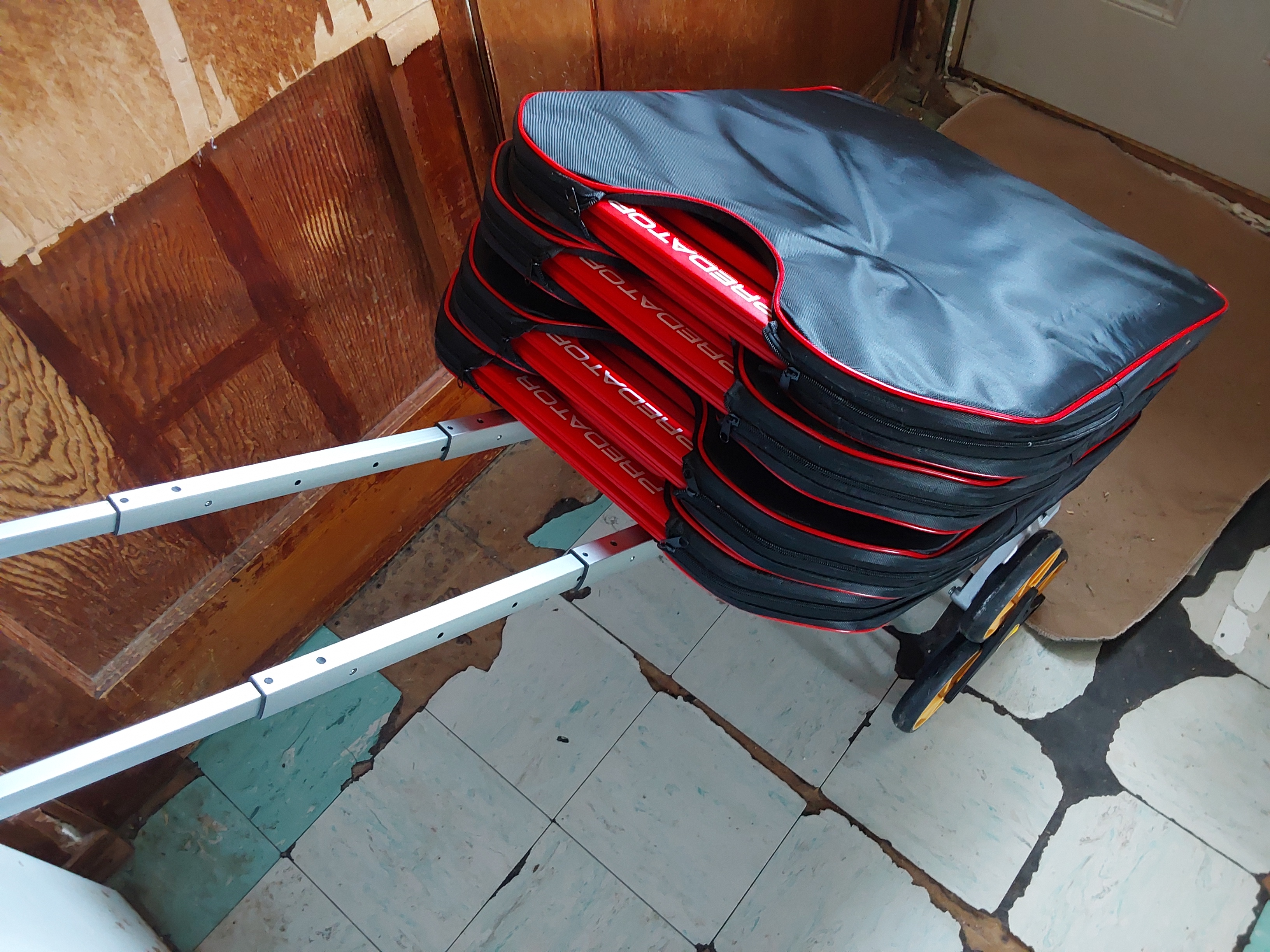
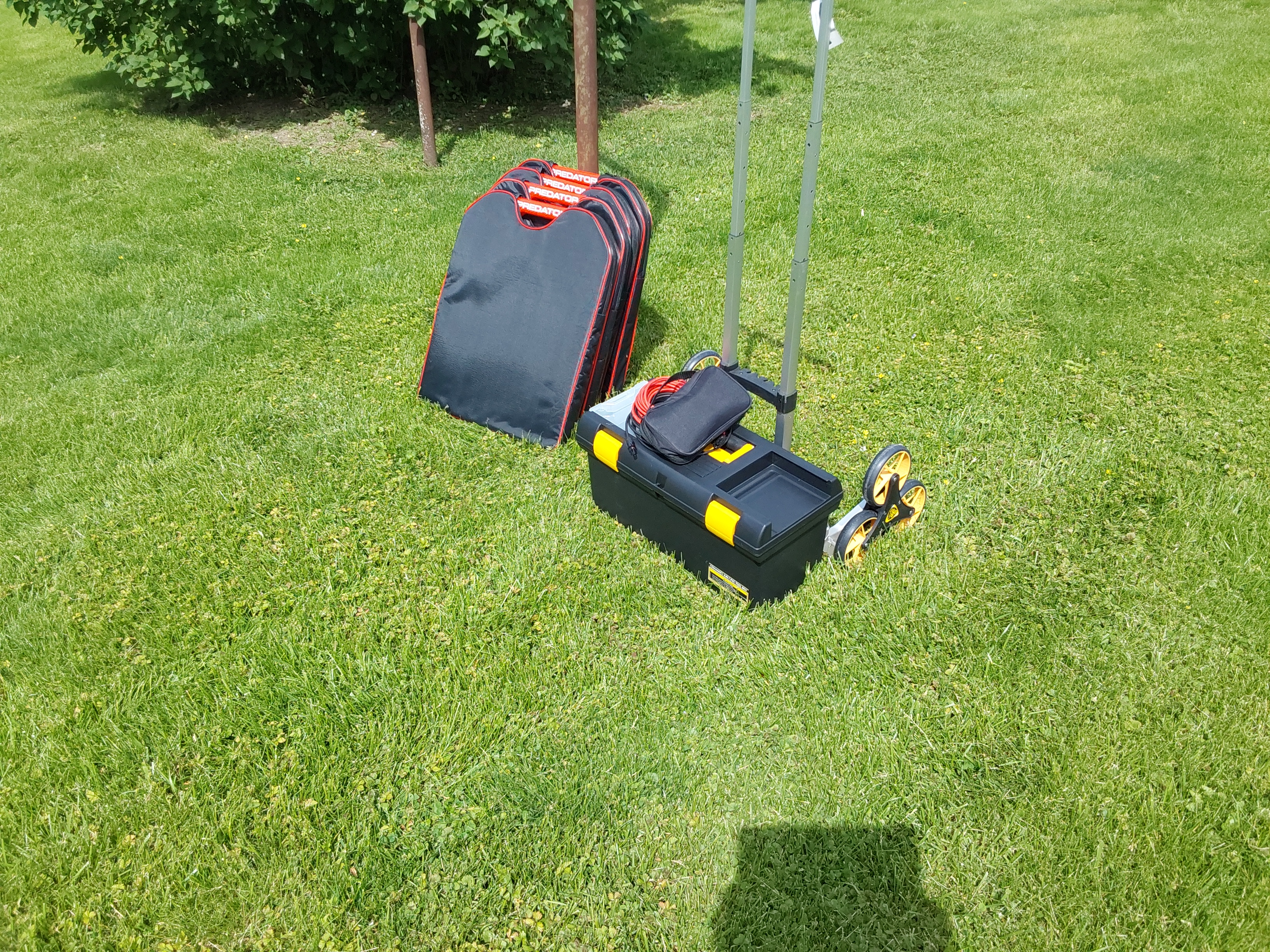
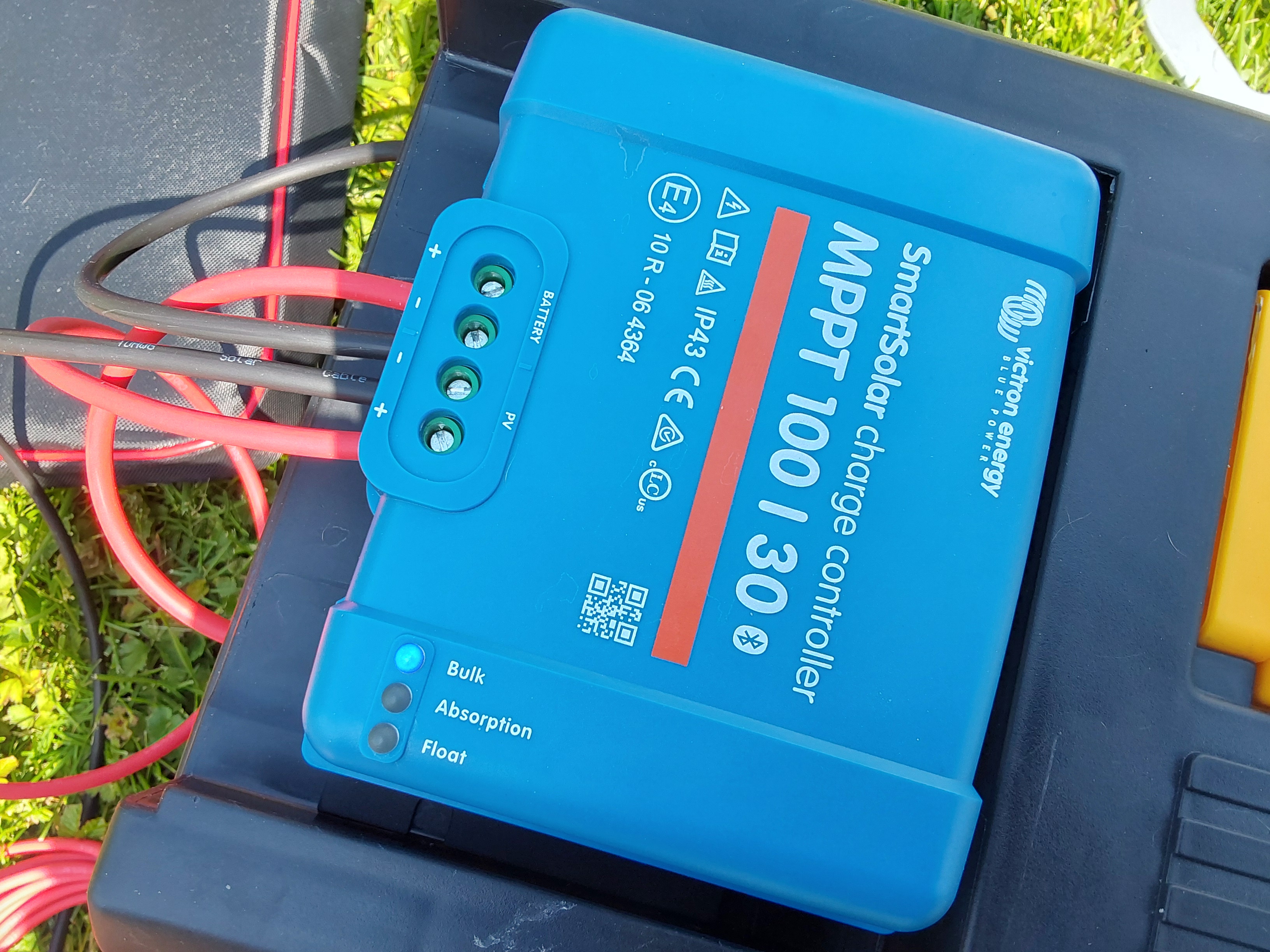

 2
2
2
2
“The most important decision we make is whether we believe we live in a friendly or hostile universe.”― Albert Einstein
3
John Weiland wrote:This thread continues to educate and inspire!....
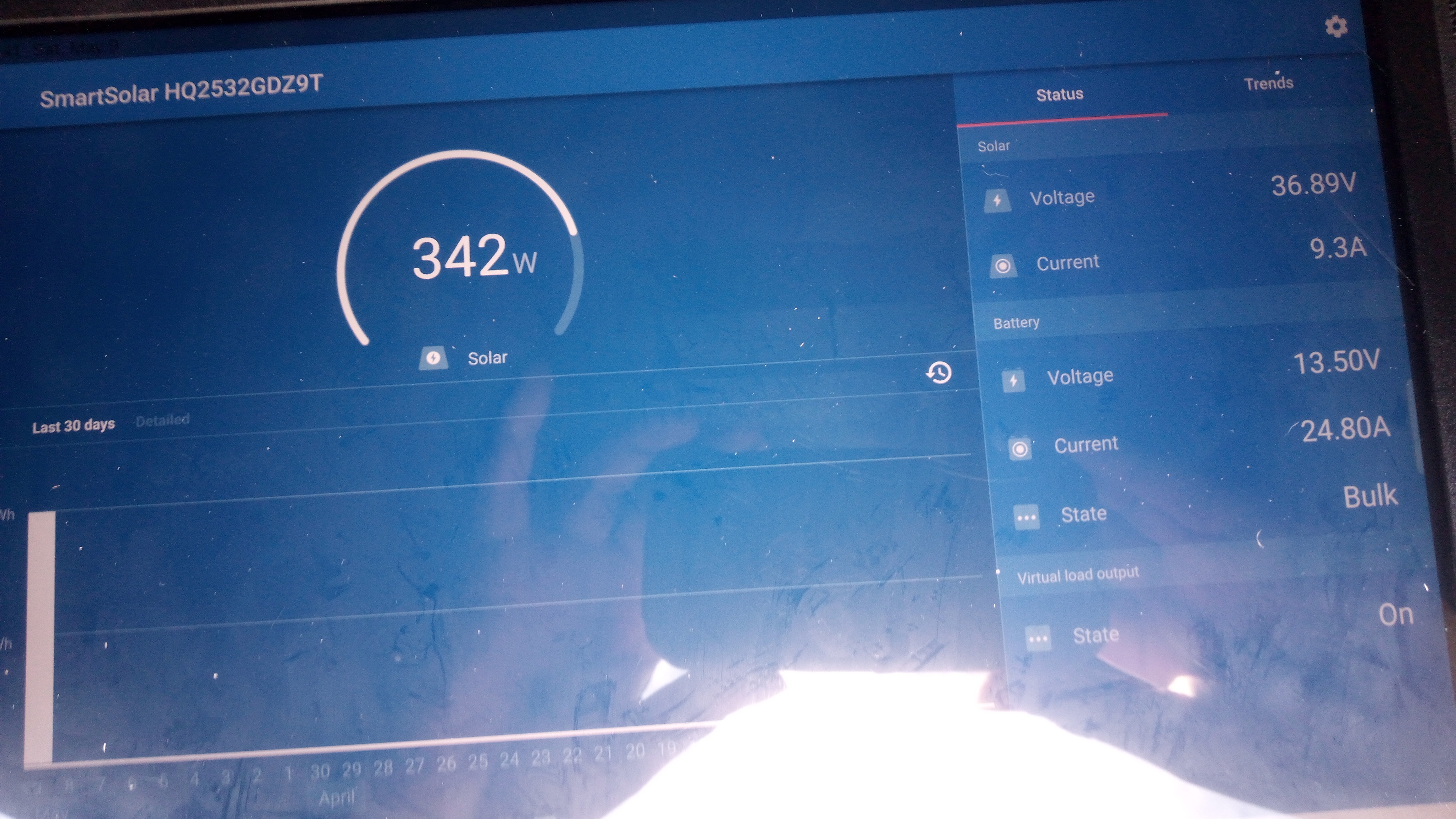
So to clarify something: Our Polaris Ranger EV (48V), currently running on 8 lead acid batteries in a 4S2P configuration of 12V batteries is characterized, in sum, as 48V/300 Ah. Since my wife only uses this machine to move animal feed around to different feeding stations and the distance would total no more than 1 mile, depletion of the bank is minimal. (Re)charging of the cart starts around 10 am when I plug it into the controller. The single PV panel (380W) is rated for a maximum ~10A output....well below a recommended (?) 0.5C charging rate. Yet charging the cart back to full only takes 1-2 hrs max in full sunlight. Is this likely just due to the low amount of depletion on the battery bank at the end of each day? The batts are pretty new so this may impact that apparently quick charging time.
Sooooooo...Is the reason that you are looking for high amperage in your charging due to the fact of the high Ah capacity (and low voltage) of your build? Just thinking now about my 100Ah box, for which I have a 100W/17V PV panel (~6A) laying around that could pair with this?.... Also, although I need to check the surge and running specs on the blower motor for our furnace (propane), was hoping to use this with an inverter for emergency back-up prior to installing a beefier back-up system.
I hope to finally install battery posts today...and give it a trial run with a load! Will continue to photograph and post here.... Much fun so far!

|
Beauty is in the eye of the tiny ad.
Come Visit Wheaton Labs!
https://permies.com/wiki/367505/Visit-Wheaton-Labs
|